Save for what you want and know if you'll make it.
Saving "whenever you can" rarely gets you there, because you don't know if you're on track until the date arrives. In Svolta you create your goal with an amount and a date, and the app tells you how much to set aside each month to make it on time. You log what you save and see your progress.
See how it works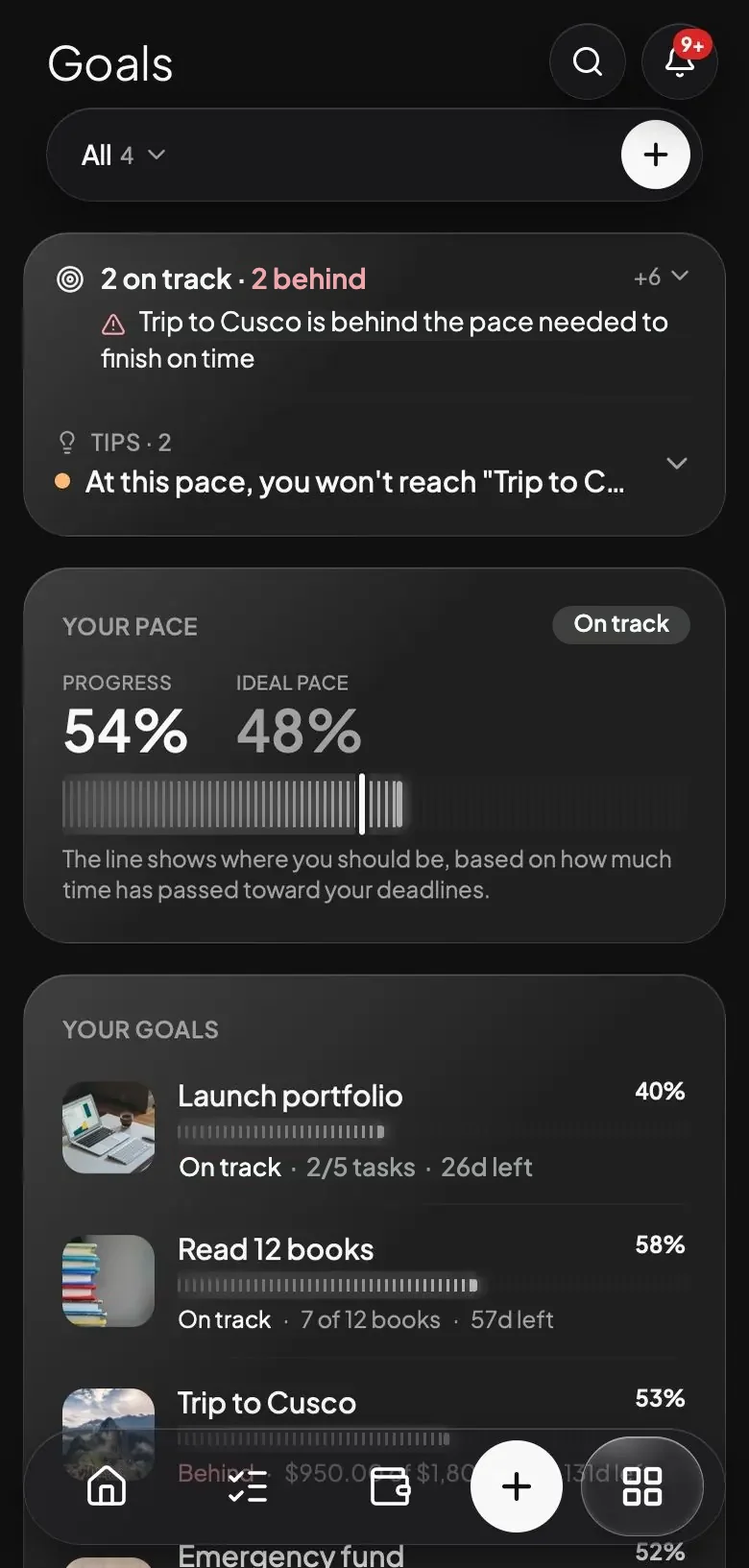
Create your goal in one sentence.
You tell the assistant how much you want to save and by when, and it creates the goal with its amount and date. You can also create it yourself and add a photo.
I created the goal Trip to Cusco, with a target of $1,500 by May 31.
Every month you know what's left.
On the first day of each month you get a reminder with what's left and how much you need to set aside that month to make it on time.
 SVOLTAnowYour pace this monthDecember trip: $480 to go by Dec 31. To make it on time, $240 is left this month.
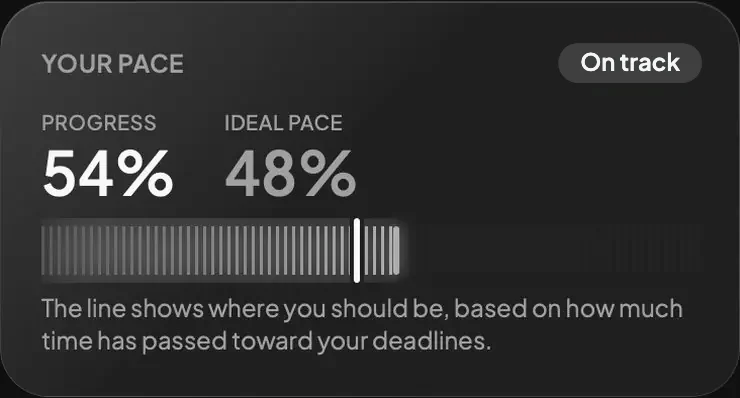
See whether you're ahead or behind.
Svolta compares what you have with what you should have by this date. If you fall behind, you see it right away, without doing the math.
Log what you save in seconds.
You write "I saved 240 for the trip" and your progress updates. How much you save and when is up to you.
It's not just for money.
A goal can also be a number, like reading 12 books, or a project with steps. If you connect your tasks to a project, each task you finish moves your progress.
Frequently asked questions
How do I save for a trip?
Create a goal with the amount and date of the trip. Svolta tells you how much to set aside each month, and every time you log what you saved, you see what's left.
Does Svolta hold or move my money?
No. Svolta doesn't connect to your bank or move your money. You log what you save and the app keeps track.
Does Svolta tell me how much to save?
No. It shows you what's left based on the date you chose. How much you save and when is up to you.
Does it work on iPhone, Android and computer?
Yes. You open it from your browser, without going through an app store. If you want notifications on your phone, you can add Svolta to your home screen.
Is Svolta free?
No. Svolta costs $6.99 a month or $59.99 a year, with every area included, and you can cancel anytime.
Your goals are only one part.
With the same account you can also record your expenses, your habits, your workouts, your studies, your tasks and your notes.