Track your expenses and see where your money goes.
Do you reach the 20th without knowing where your paycheck went? It's hard to know without a record. Svolta is an app for logging your expenses and income in seconds. It shows you what you spend on, warns you before you reach the limit you set and shows you what your small expenses add up to. You don't need to connect your bank.
See how it works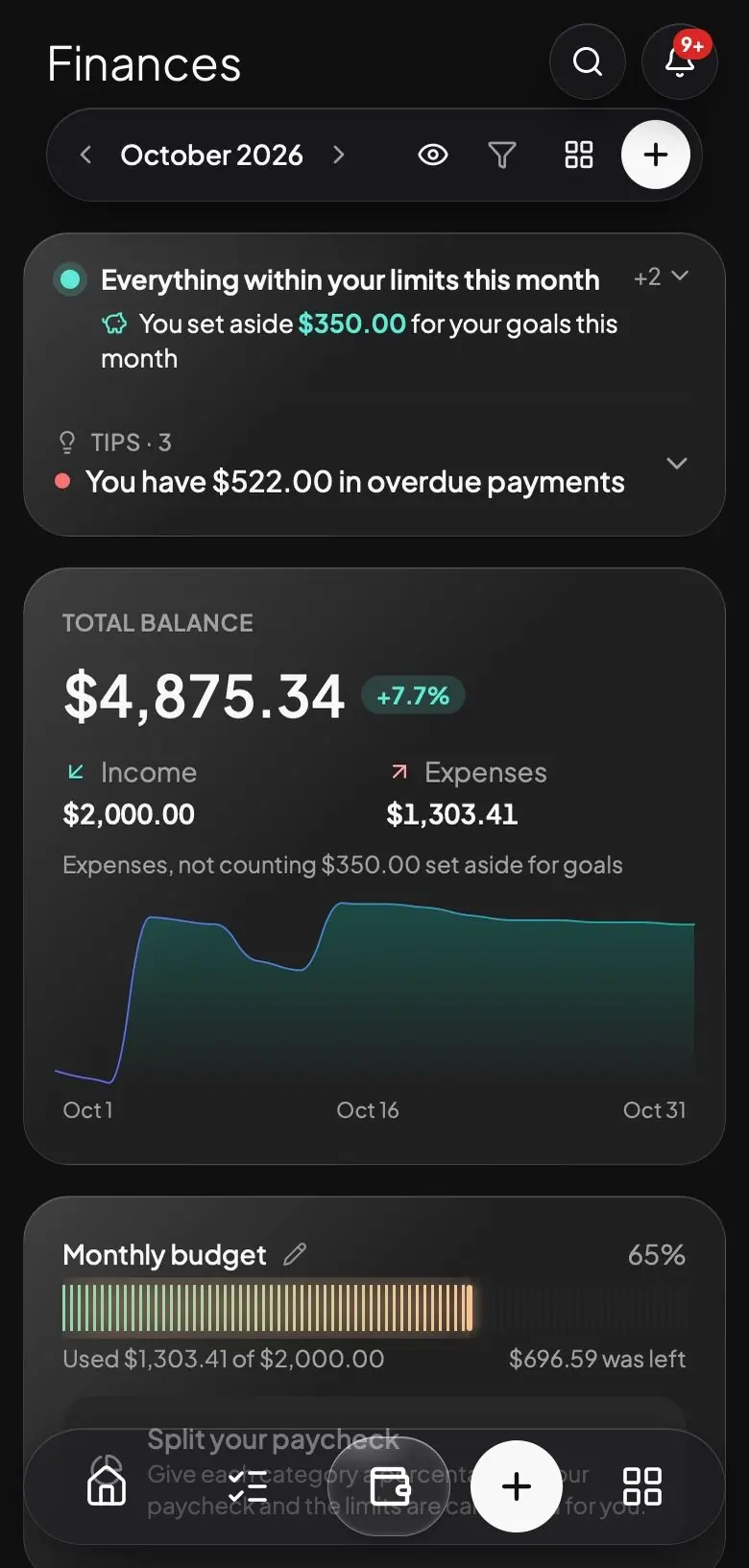
Logging an expense takes a few seconds.
You can write "I spent 18 on dinner" to the assistant or record a voice note. The assistant logs the expense in its category, and if something isn't the way you wanted, you can undo it. You can also log it by hand.
I logged it as an expense under Food, paid from your Main account.
Set a limit for each category and get a warning in time.
You decide how much you want to spend on food, transportation or going out. You get a warning when you reach 80% of that limit and another one when you reach 100%.
 SVOLTAnowClose to your limitFood: you've spent $203.83 of $250.00 (81%) this month.
See what your small expenses add up to each year.
A $2 coffee a day seems like very little, but it comes to $730 a year. Svolta goes through your transactions and shows you your small daily expenses and your subscriptions, with what they add up to each year. It also shows you if a service went up in price or if you pay for two similar services. You need at least one month of transactions to see this information. With those numbers, you decide what to do.
Keep your cards, installments and payments in one place.
Add your cards with their statement and due dates, along with your installment purchases. You get a reminder before each payment, on the day itself and also if it's already overdue.
You don't have to connect your bank.
Svolta doesn't ask for your banking passwords. If you don't want to write everything down by hand, you can import your statement as a CSV, OFX or XLSX file and review each transaction before saving it.
Frequently asked questions
How do I track my expenses from my phone?
Open Svolta and write to the assistant what you spent, or log it by hand. The app sorts your expenses by category and shows you how your month is going.
Why use Svolta instead of a spreadsheet?
A spreadsheet works if you remember to open it, write things down and add them up. In Svolta you log an expense by writing to the assistant or with a voice note, and you get a warning when you're close to your limit or a payment is coming up.
What are small daily expenses?
They're small purchases that repeat, like a coffee or a snack. One seems like nothing, but together they can add up to quite a lot by the end of the year.
Does it work on iPhone, Android and computer?
Yes. You open it from your browser, without going through an app store. If you want notifications on your phone, you can add Svolta to your home screen.
Is Svolta free?
No. Svolta costs $6.99 a month or $59.99 a year, with every area included, and you can cancel anytime.
Does Svolta give financial advice?
No. Svolta shows you your numbers and helps you organize them. It doesn't tell you what to invest in or how much to save. The decisions about your money are yours.
Your expenses are only one part.
With the same account you can also record your habits, your workouts, your studies, your tasks, your goals and your notes.