Plan your day so nothing important slips by.
It's 8 in the morning and you already have ten things on your plate. In Svolta you write them down in one sentence, each task with a time reminds you beforehand, and what's left over doesn't get lost: you see it separately until you deal with it.
See how it works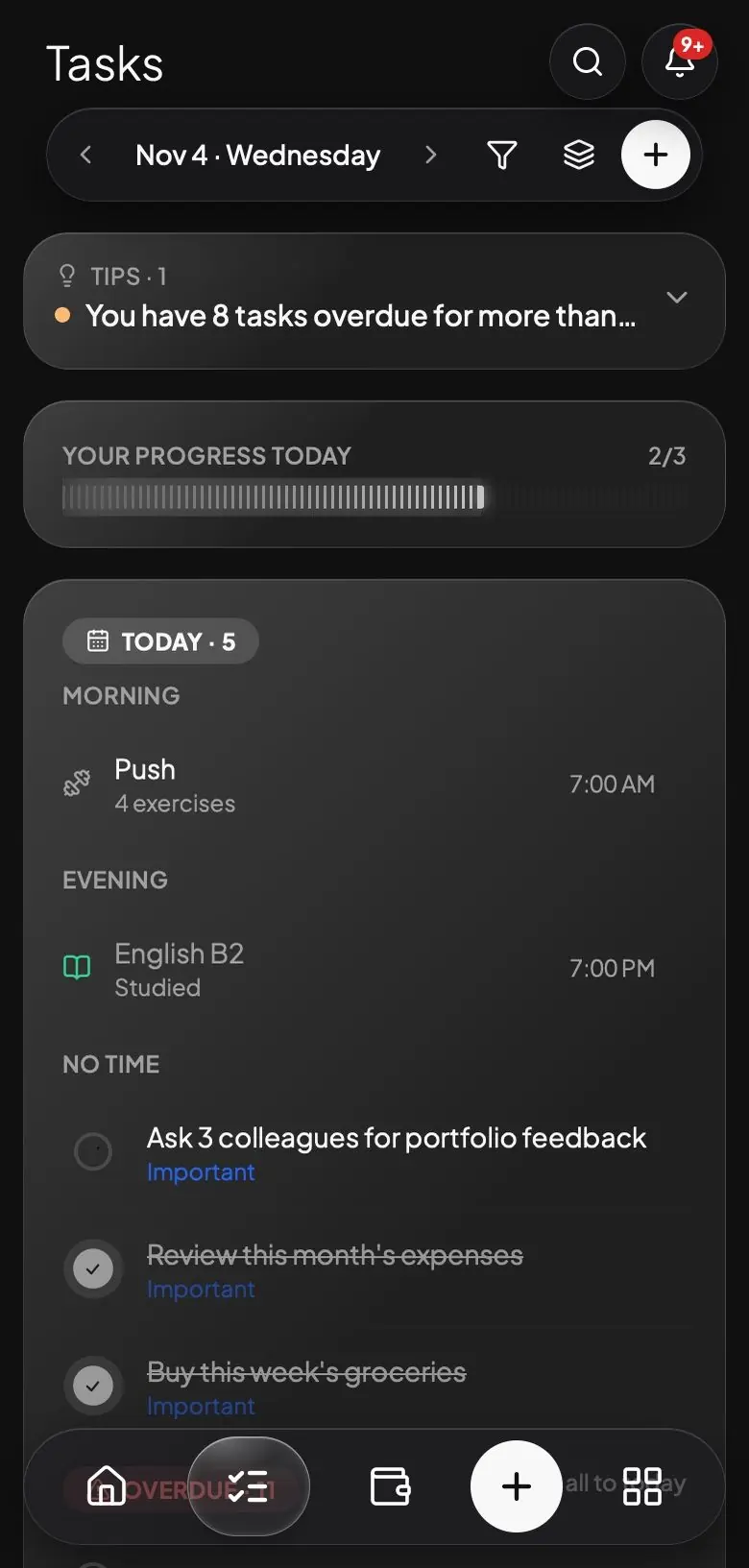
Write down several tasks in one sentence.
You tell the assistant what you have to do. It understands "tomorrow", "on Friday" or "every Monday", and each task lands on its day.
Done: the meeting is set for tomorrow at 9:00, and paying the electric bill for Friday.
A reminder before each task with a time.
Tasks with a time remind you 15 minutes before. The ones without a time get a reminder at 4 in the afternoon, so you don't end the day with things left over.
 SVOLTAnowTask reminderTeam meeting, 9:00 AM (in 15 min)
Choose the most important things each morning.
Every morning you choose what you're going to get done that day, and during the day you see how many of those things you've already done.
Everything on your calendar, Google Calendar too.
You see your tasks on your calendar and you can connect it to Google Calendar.
Repeat tasks the way you need.
A task can repeat Monday to Friday, every two weeks or however you need. What's overdue doesn't get lost: you see it separately until you deal with it.
Frequently asked questions
How do I plan my day with an app?
You write down your tasks with their day and, if you want, their time. Every morning you choose the most important ones, and Svolta reminds you before each task with a time.
Does it connect to Google Calendar?
Yes. You can connect your Google Calendar and see your tasks on the same calendar.
What happens to the tasks I didn't do?
They aren't deleted. They stay separate as overdue until you do them, move them to another day or delete them.
Does it work on iPhone, Android and computer?
Yes. You open it from your browser, without going through an app store. If you want notifications on your phone, you can add Svolta to your home screen.
Is Svolta free?
No. Svolta costs $6.99 a month or $59.99 a year, with every area included, and you can cancel anytime.
Your day is only one part.
With the same account you can also record your money, your habits, your workouts, your studies, your goals and your notes.